
Initial Review: OnAir Companion Closed Beta
First hands-on notes from the new OnAir Companion application, with emphasis on the closed beta features that are not fully released in the open beta yet.
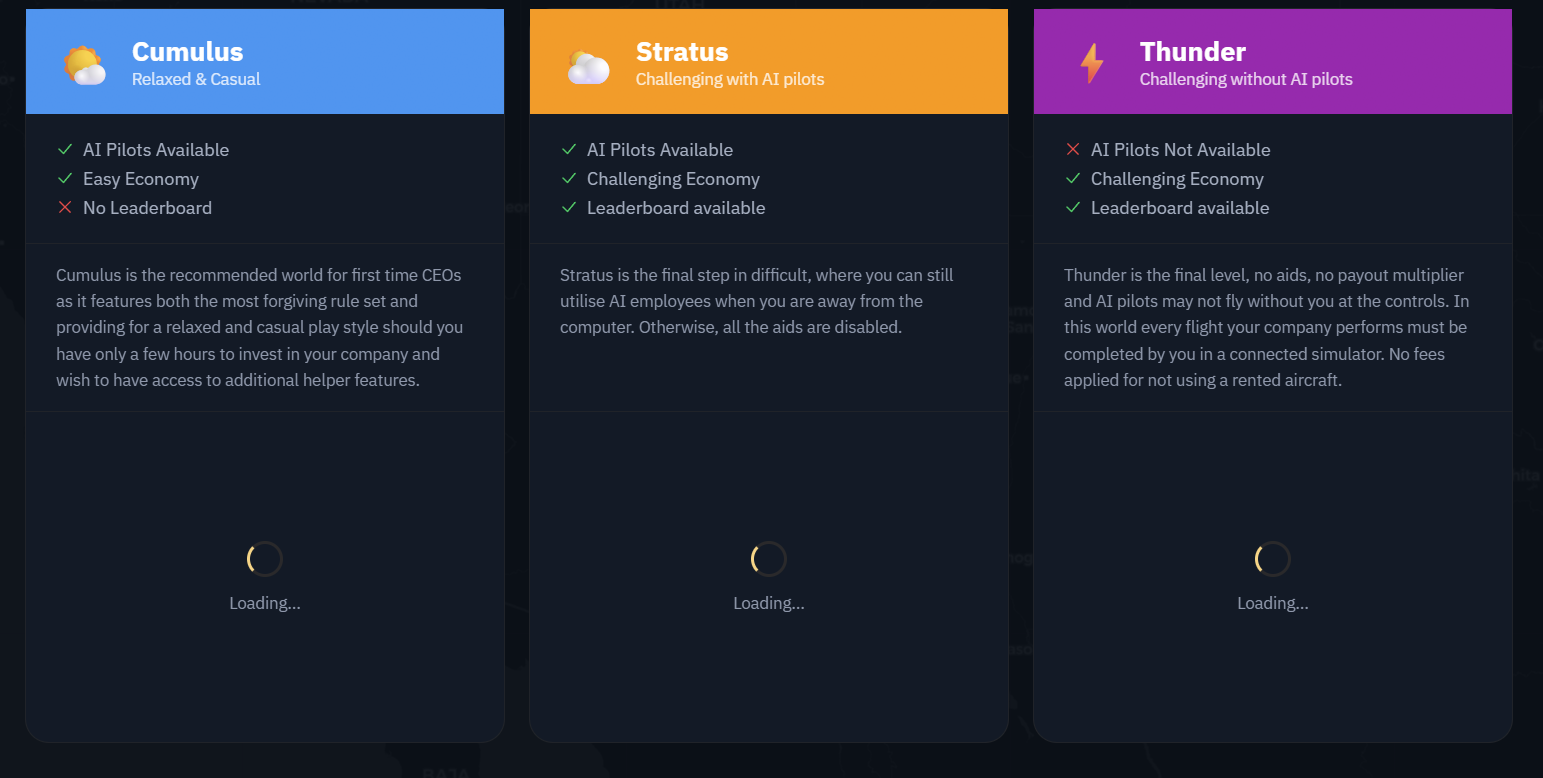
This is my initial review of the new OnAir Companion beta application. The app is currently split between the public open beta and a closed beta track with features that are not fully available in the open beta yet, so treat this as a first look rather than a final verdict.
First impression
The opening flow feels familiar to anyone who has lived in OnAir for years, but the interface is cleaner and less spreadsheet haunted.
Best early sign
The Company Jobs concept looks like it could unify logistics center jobs, company FBO queries, and VA FBO query work into one usable screen.
Beta caveat
Several areas are clearly still work in progress, including workorders, maintenance, aircraft market, VA controls, industries, and regular routes.
Opening the Application
Initial open should feel very familiar to anyone who has been using OnAir. You get dropped into the familiar lobby, which is probably the right call. A beta is already enough of a trust exercise without also hiding the front door in a broom closet.
From there, things begin to look more streamlined. It feels a little less like the spreadsheet of old and a little more like an actual modern client. The old client has served us for years, but it definitely had moments where it looked like Excel, a dispatch office, and an insurance audit all shared a bunk bed.
Loading and First Login
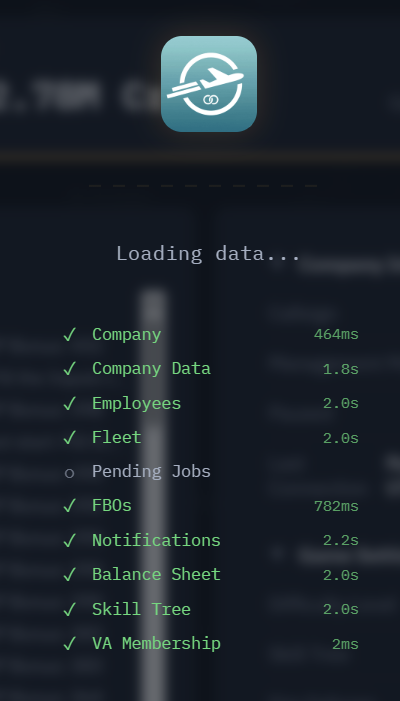
Loading in gives you a useful timing indicator as your company and data load. I did have this time out on me once as of this writing. It happened on my first login, and a quick re-log seemed to clear it up without further drama, chanting, or IT-approved candle lighting.
Company Fleet and Aircraft Detail
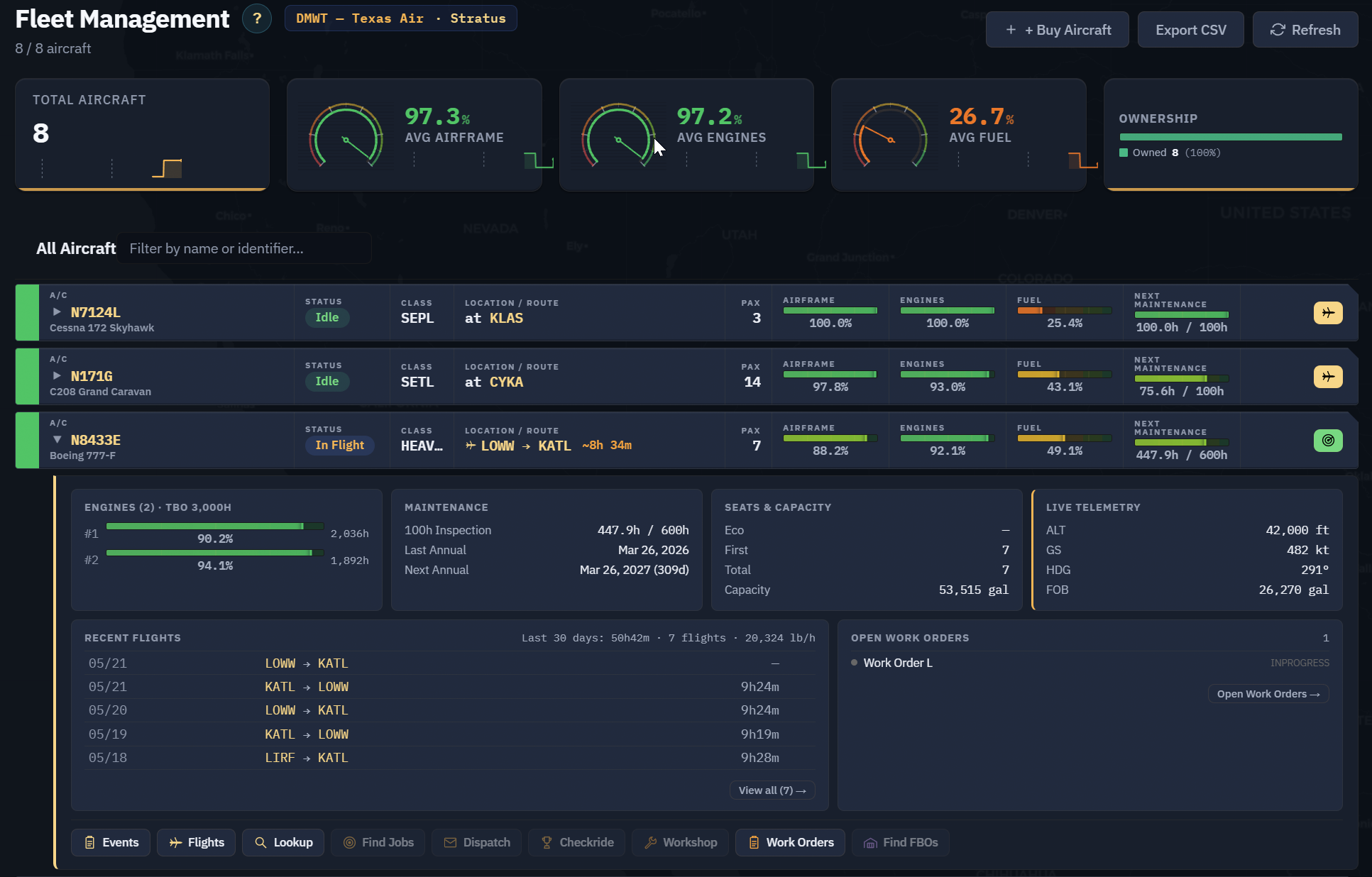
Starting with the company fleet, clicking one of your aircraft drops down most of the aircraft information you are used to seeing under separate icons in the old client. Here, it is presented in one place, which is a welcome change.
Since I spend a lot of time in workorders, that was one of the first processes I wanted to check.
Workorders and Maintenance
The workorder path greeted me with a friendly beta reminder that something is still in progress. In other words, the app looked at me, smiled politely, and handed me a cup labeled not today.
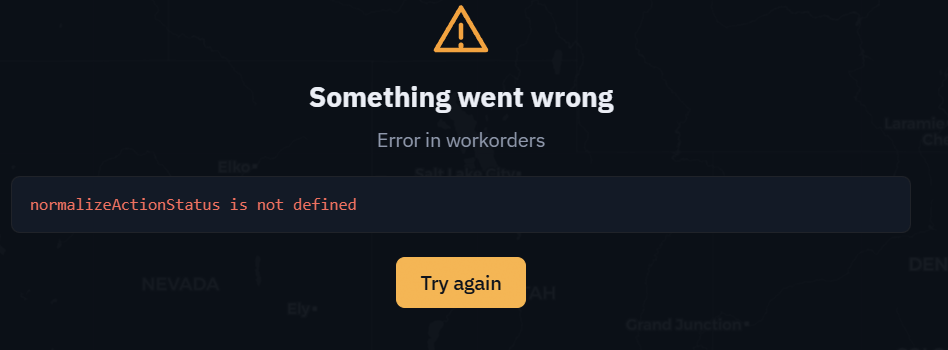
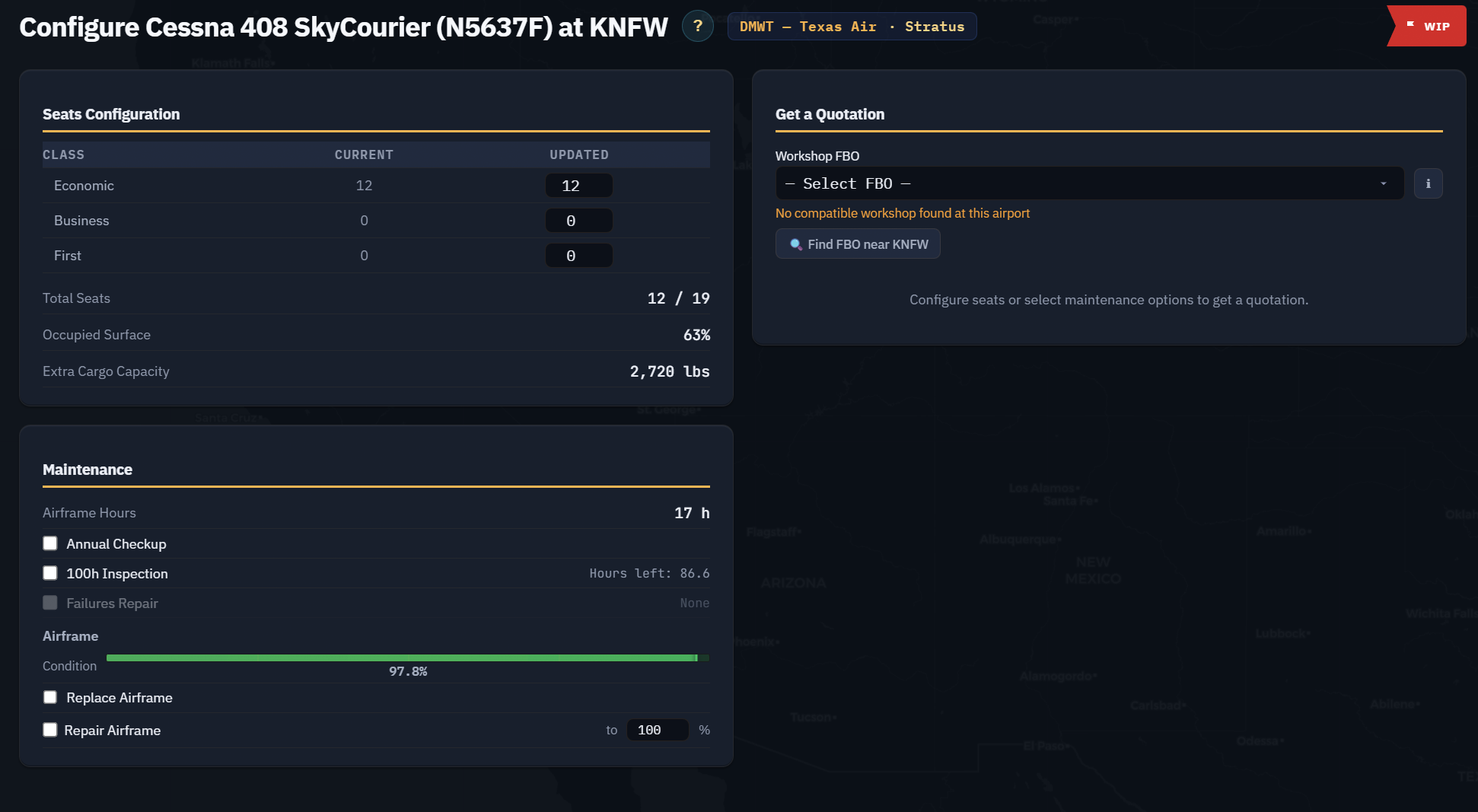
I am going to assume this is still under active development and moved on to the maintenance bay. Again, I was greeted with what appears to be the same work-in-progress reality.
That said, looking at the completed screen design, I am hopeful that selecting an FBO in the quotation section will eventually show the FBO detail without requiring another button click. That would be a very nice quality-of-life improvement.
Aircraft Market and Current Feature Coverage
The aircraft market is not available yet. I will add that to my later review list, because I suspect most of us can agree the aircraft market could use some modernization as well.
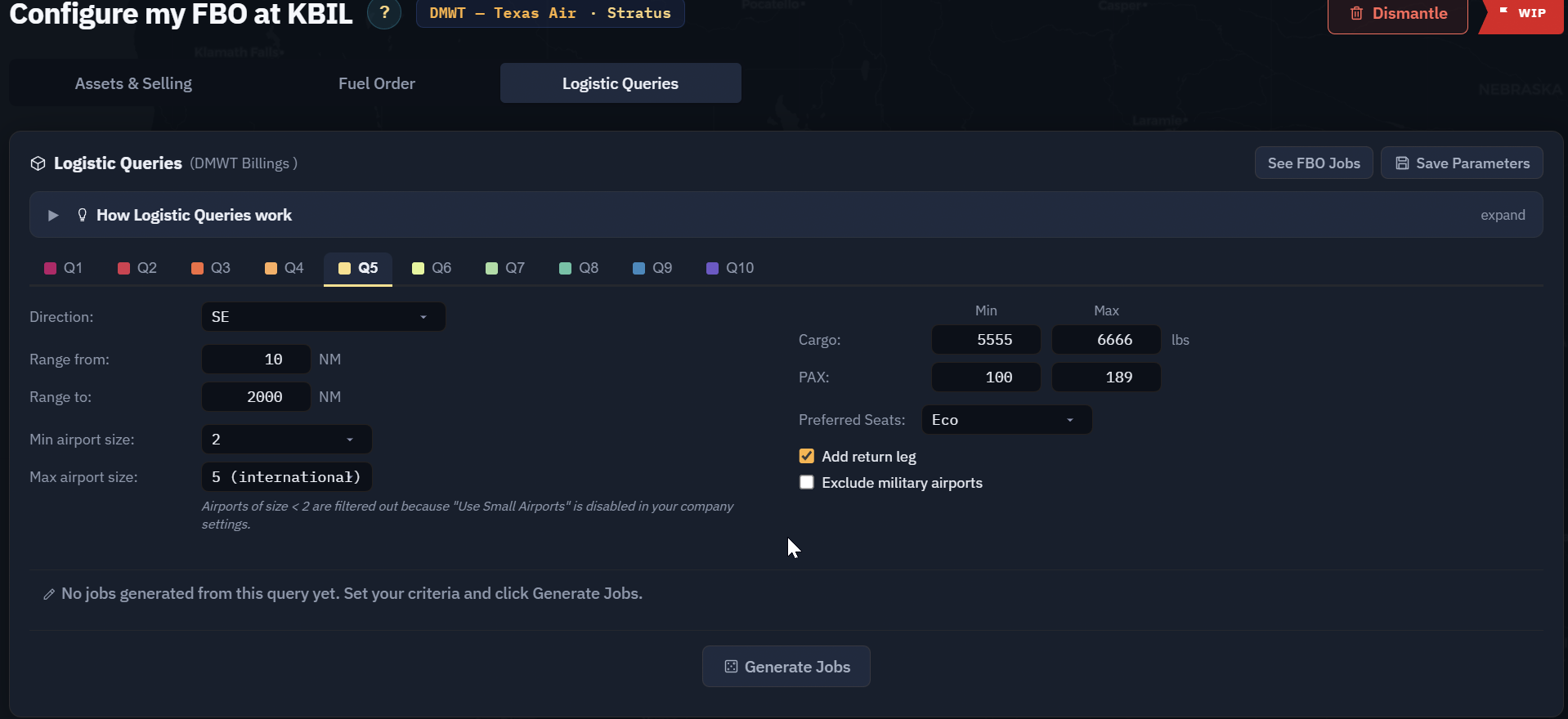
As of this first pass, the closed beta does allow some important activity. I was able to take a logistics center job, take a freelance job, and create FBO queries, although I could not yet find where to accept those created FBO queries.
FBO Query Weirdness
I did see some odd behavior when creating FBO queries. The minimum and maximum values did not behave as expected. The app seemed to like setting the minimum back to zero when entering anything in the maximum field.
FBO queries also do not appear to be showing up in the Jobs listing yet. But this is where I want to get very excited for a moment, because the feature still looks like a serious leap forward for OnAir if it lands the way the interface suggests.
Company Jobs: Potentially the Big Win
The job board, logistics center, or Company Jobs as it is now listed in the menu, may become the heart of the new application.
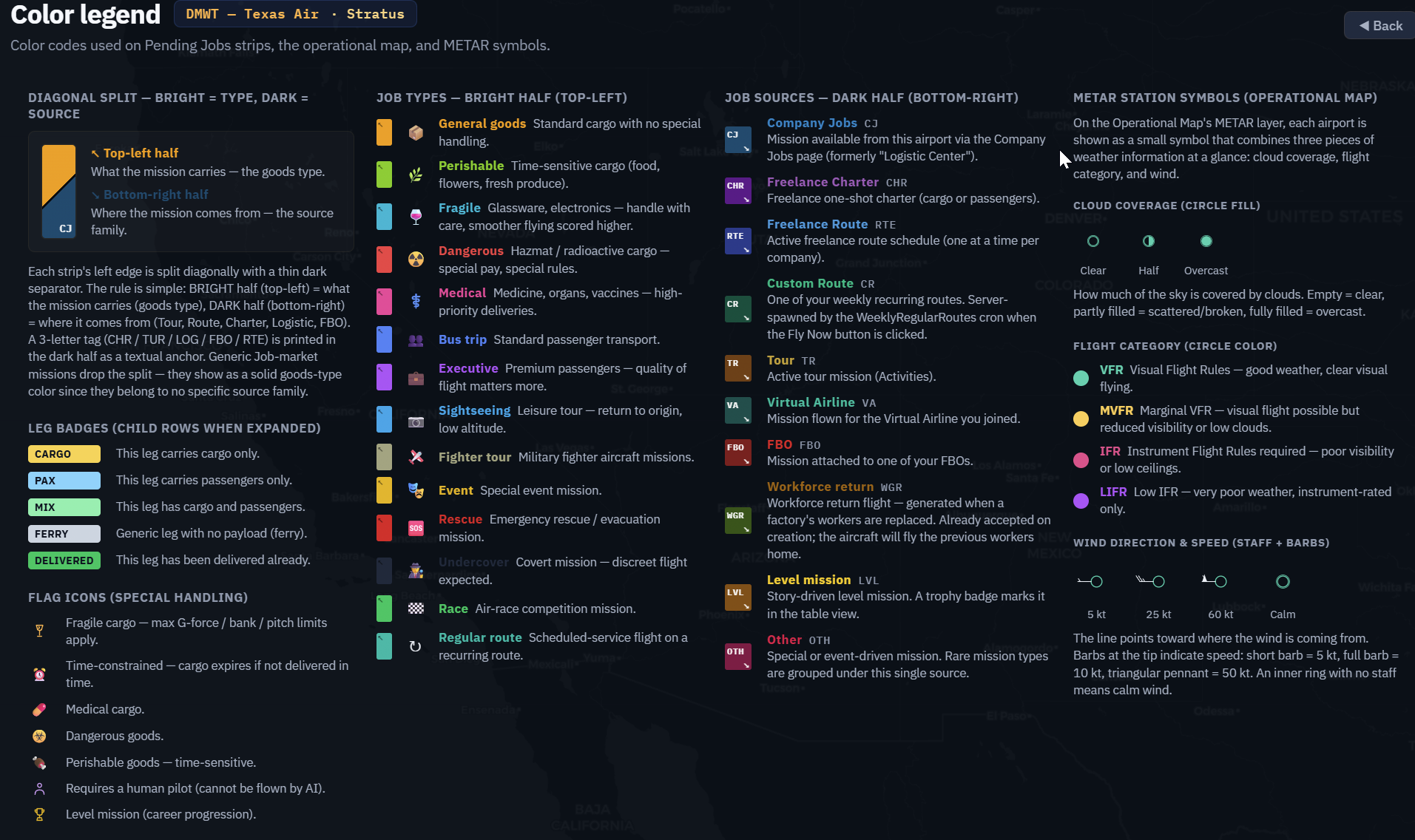
From the look of the new Legend screen, it appears that jobs from the old logistics center, FBO queries from company queries, and VA FBO queries may eventually drop into a single screen of jobs available at any given airport.
The same core filters appear to apply. You can filter by range and aircraft. Jobs look color-coded, with enough detail visible at a glance to reduce the old click-hunt routine.
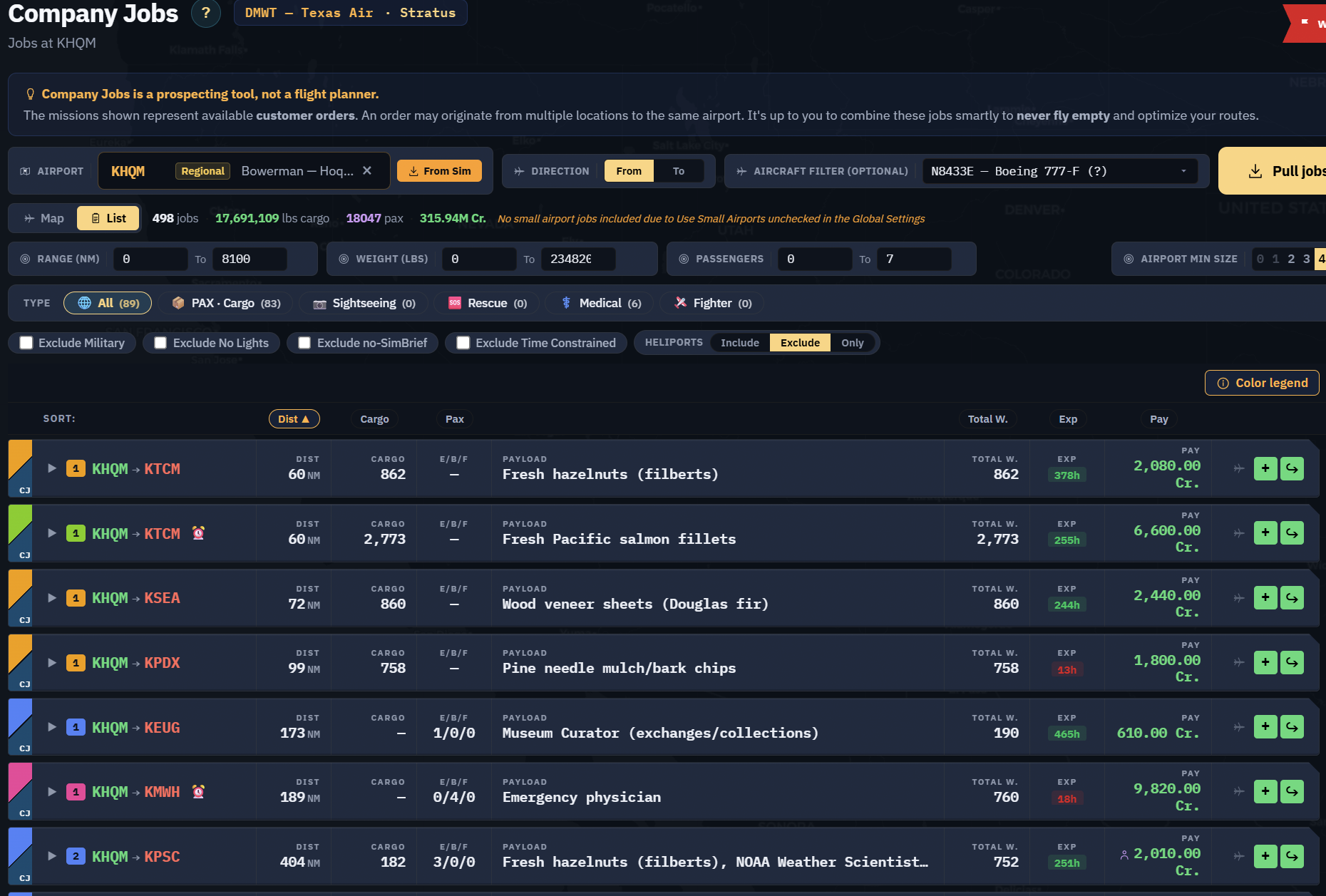
I also hope we can get real cargo descriptions from the company and VA FBO queries instead of the generic “Logistic” label. If all FBO queries from the VA and the company show up here, I will be truly impressed. This is the feature I expect to focus on more in upcoming reviews, because it could be a massive positive change.
Employees and Crew Groups
The employee screens are fairly straightforward. Not a lot has changed at first glance, and I do not currently see some of the bulk tools I use often in the old client. I am assuming bulk move, relocate, and bulk training tools may be added later.
One feature I do see, and one I expect to be very popular, is Crew Groups.
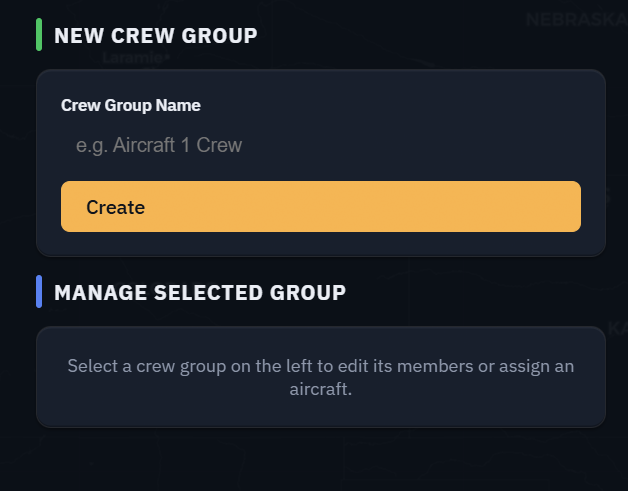
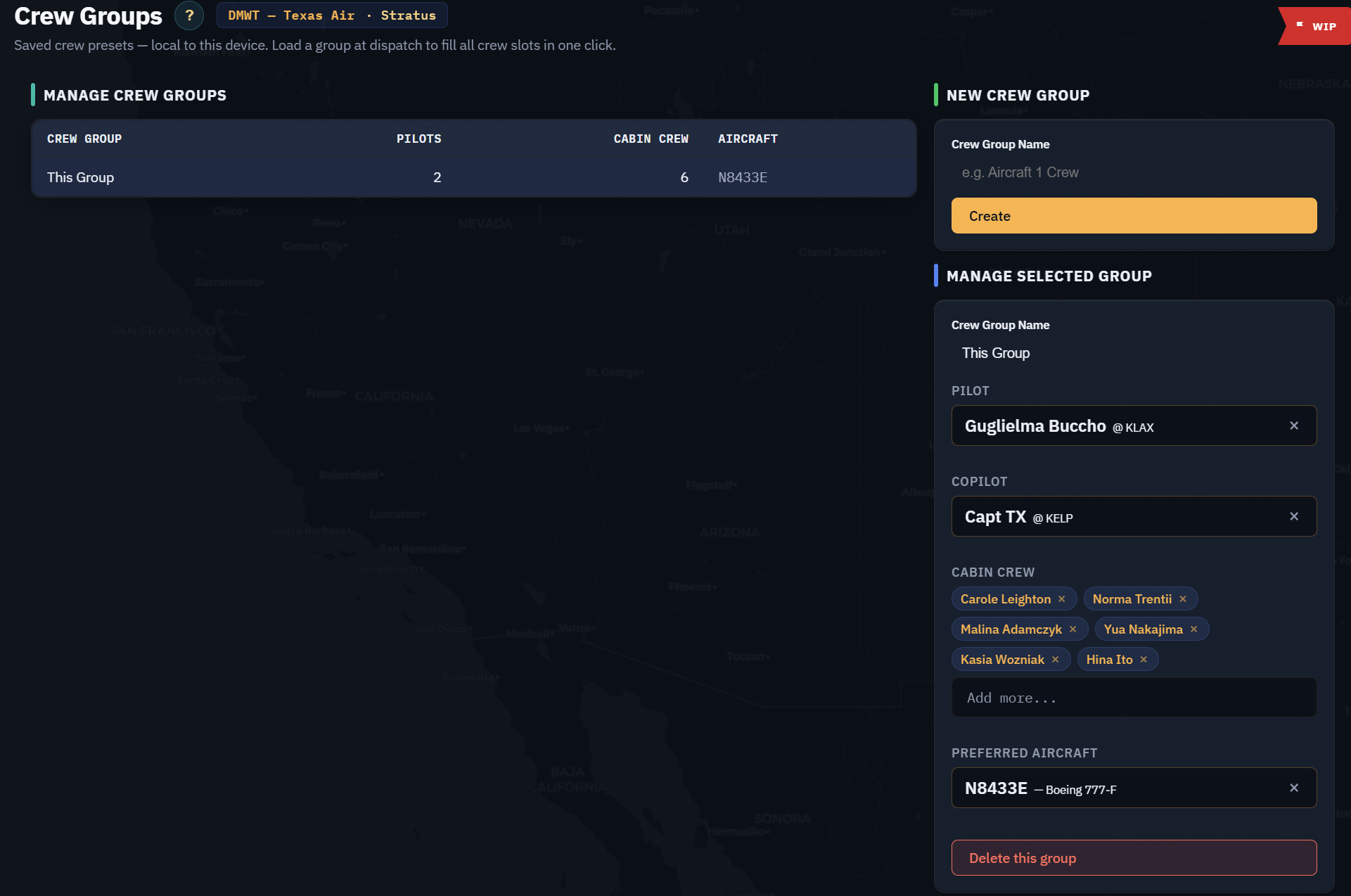
Anyone who has worked with workorders or regular routes knows how painful it can be to keep flight crews straight. Nothing ruins a great route quite like accidentally assigning the crew to a different flight and then discovering the aircraft is ready, the route is ready, and your crew is apparently off somewhere learning pottery.
This should be another win for Stratus players for sure.
Trading Hall
I am not seeing anything yet for industries or regular routes. Skipping over to the Trading Hall, the good news is that it loads blazing fast compared to the old client.
BANG — I am in and shopping. Some of the icons may need a little love, though. Possibly a hug. Possibly a professional intervention.


What Needs Testing Next
The next step is to run a test flight and test out the tracking. The big question: have they solved the TCP tracking issue? That will matter a lot for anyone who has had tracking reliability concerns in the old client.
I do not see VA controls or VA connectivity yet. My company does not even show as part of a VA in this beta build, so I am assuming that is still in progress. VA features, industries, and regular routes are clearly still out there somewhere.
What looks promising
Cleaner UI, faster Trading Hall loading, Crew Groups, and a Company Jobs board that could finally make logistics/FBO/VA query work easier to manage from one airport-centered view.
What still needs work
Workorders, maintenance, aircraft market, FBO query acceptance, VA connectivity, industries, regular routes, bulk employee tools, and flight tracking validation.
Until Next Time
Everyone should take a look at the open beta. Even with the unfinished areas, this feels like a great addition and a hopeful sign that more pilots may come back to the OnAir platform.
The old client carried us for a long time. This new Companion app looks like it may finally be turning the corner toward a cleaner, faster, more usable OnAir experience. It is not done yet, but it is already interesting enough to keep testing.